Title here
Summary here
 How To: Set a Default Content Scheme
To learn more about the different content schemes, check out the article HERE.
If you’re managing multiple brands in Create and want to streamline your draft creation process, setting a default content scheme for each brand can save you time and effort. With this feature, any new drafts you create will automatically have your preferred content scheme selected, so you don’t have to choose it manually every time. You can also override this default on a per-draft basis, so you still have full flexibility when needed.Follow the steps below to set your default content scheme for your drafts.
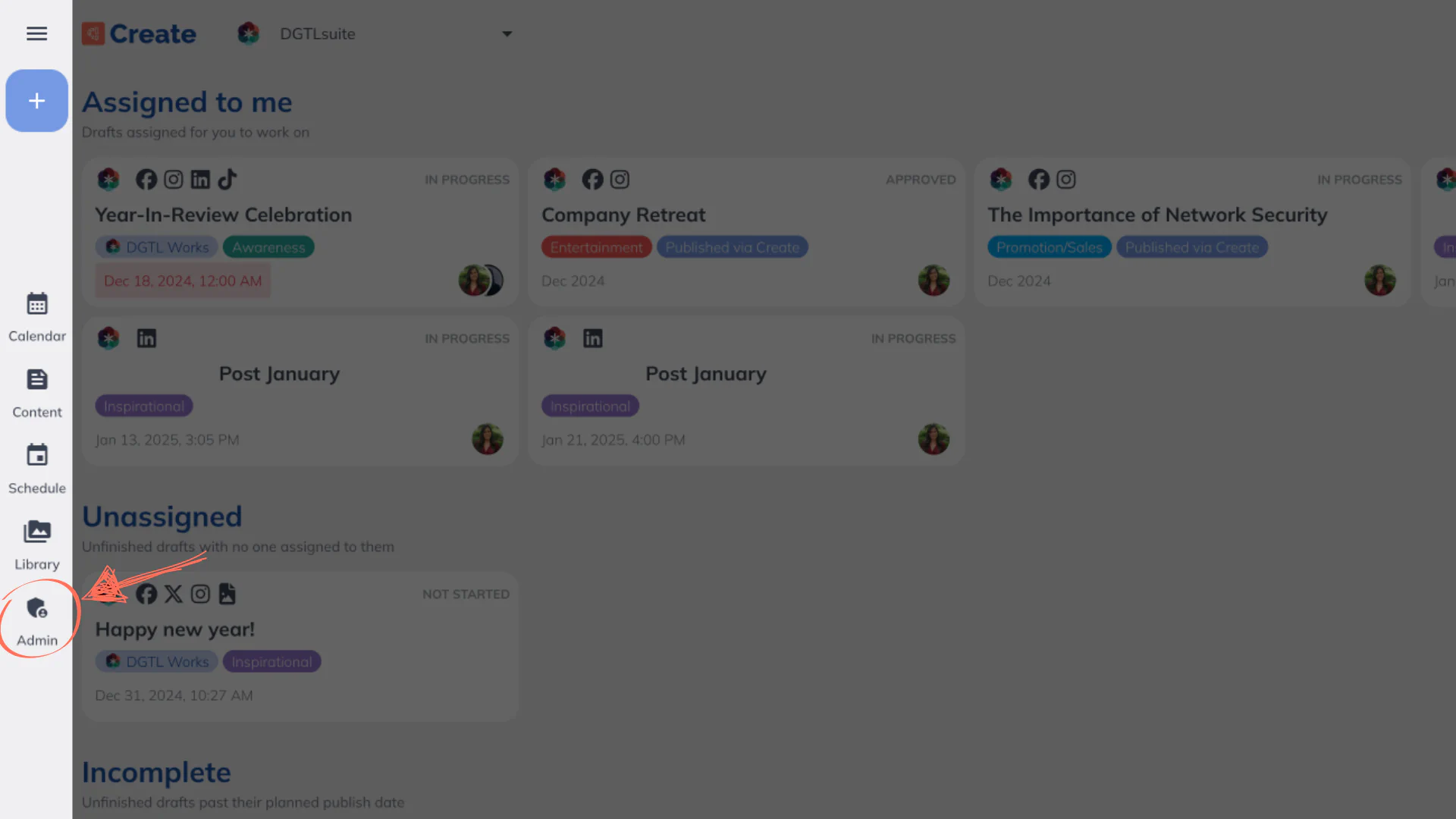
If you have multi-brand features enabled within your subscription, you should set the default scheme for each brand.