Title here
Summary here
 Understanding Analyze: Sentiment Page
The Sentiment Page provides a comprehensive visual representation of the sentiment associated with conversations in Engage. This page empowers you to understand customer perceptions and refine your communication strategies effectively. With color-coded bar charts, this page breaks down sentiment into four different charts:
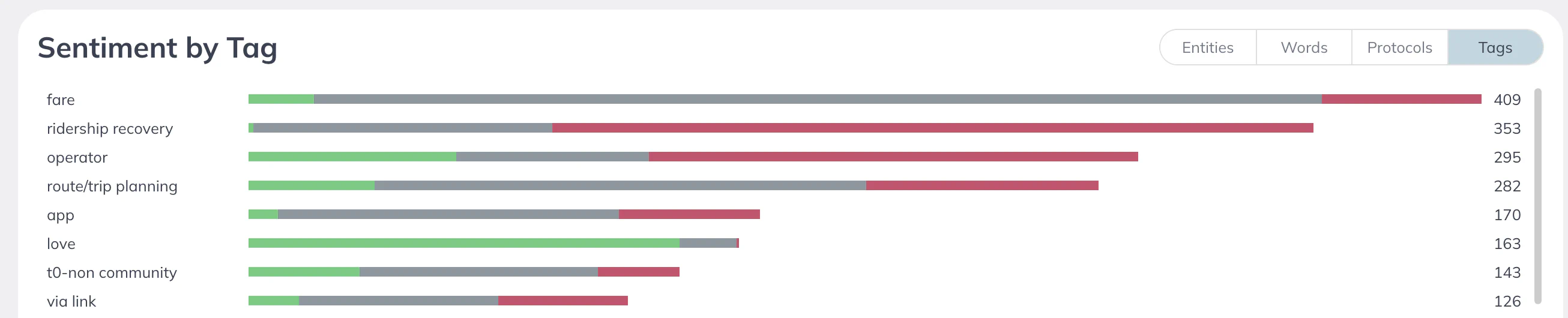
These Sentiment charts are color-coded for further clarity: Green for Positive Sentiment, Gray for Neutral Sentiment, and Red for Negative Sentiment.
By hovering over any of the bars in the charts, you can view the actual totals for each sentiment within the selected category (protocol, tag, or word). Additionally, the far right side of the bar charts displays the total volume for each row of your chart.