Title here
Summary here
 Transferring Pages and Profiles in Account
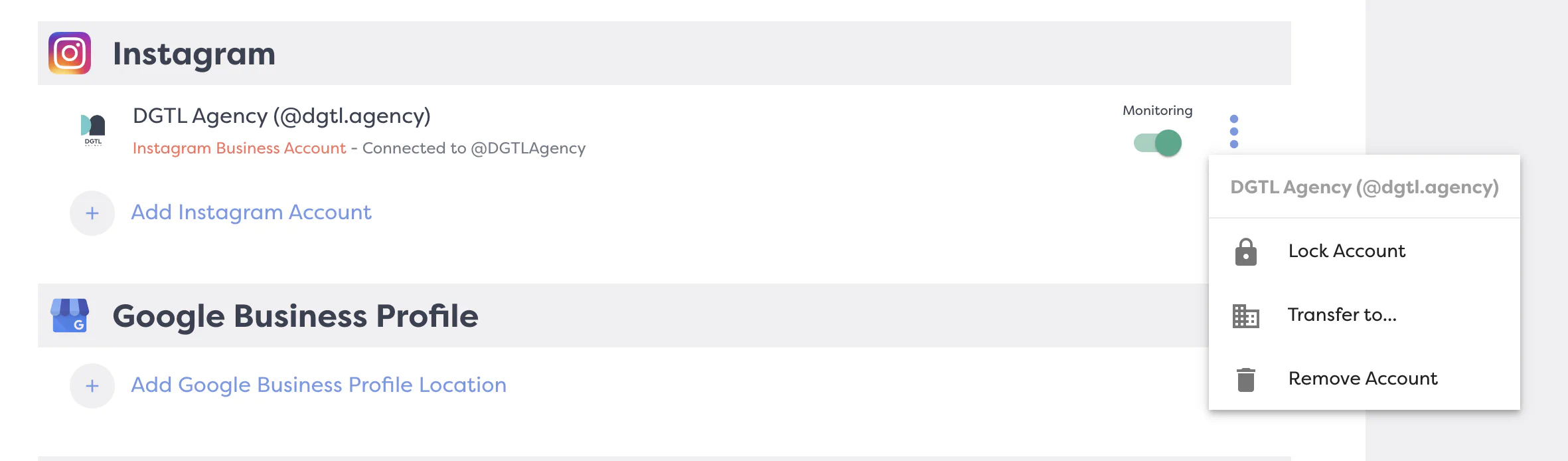
Our Property Transfer feature makes it simple to move connected accounts between your brands within DGTL Account. Whether you’re reorganizing your setup across multiple physical locations of stores, or consolidating pages within a brand, this feature allows you to seamlessly transfer any connected accounts to another brand.Transferring properties helps you maintain organization and clarity, ensuring that all your accounts are properly aligned with the right brand. With just a few clicks, you can streamline your management process and focus on enhancing your brand’s performance without the hassle of disorganization.
NOTE: Don’t see the ‘Transfer To’ option? It’s probably because you do not have multi-brand features included in your subscription OR your property is already locked. To learn about how to Lock and Unlock your properties in Account, check out our article HERE.