Title here
Summary here
 Locking Pages and Profiles in Account
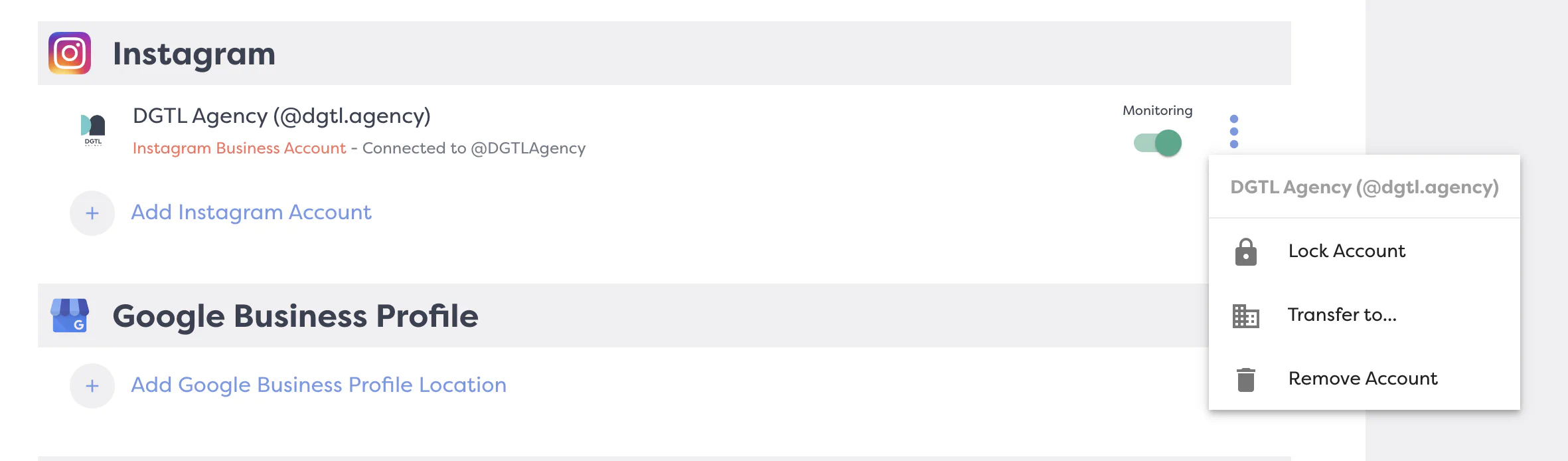
Our Locking Properties feature is designed to help you keep your authenticated pages and connected properties organized within DGTL Account. This is especially beneficial for subscribers managing multiple brands or locations.When you lock a property, it remains securely assigned to the designated brand profile, ensuring that your setup stays consistent even as you re-authenticate or add new profiles to our DGTLsuite subscription. This means you won’t have to worry about losing track of which pages belong to which brand.